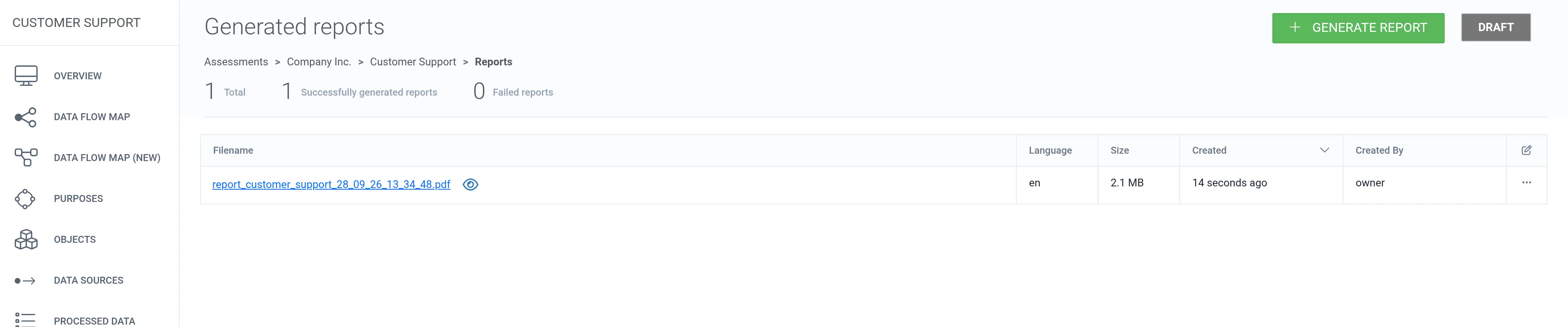
Report
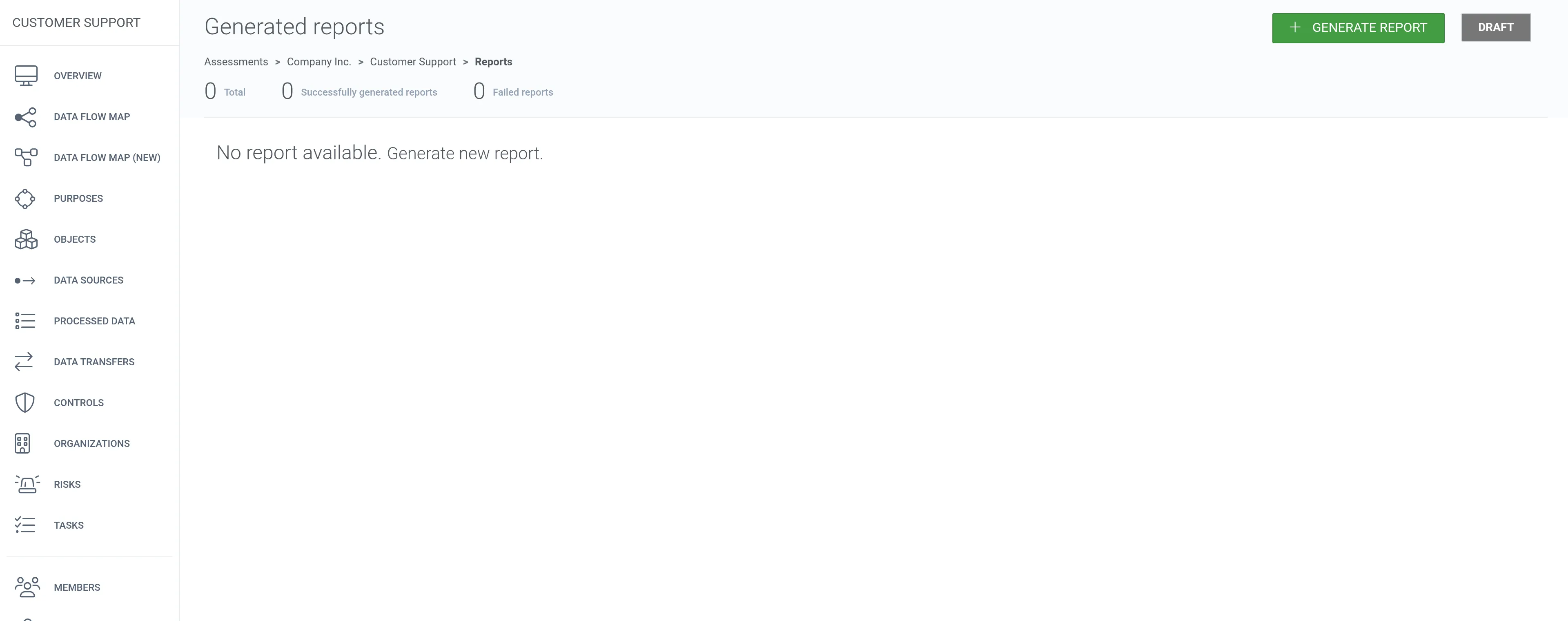
1. To create a report for the assessment, click Reports in the assessment’s left navigation panel.
2. Click + Generate report.
3. Select the components you want to include in the report. You can also limit the report to selected assessment criteria and risk categories.
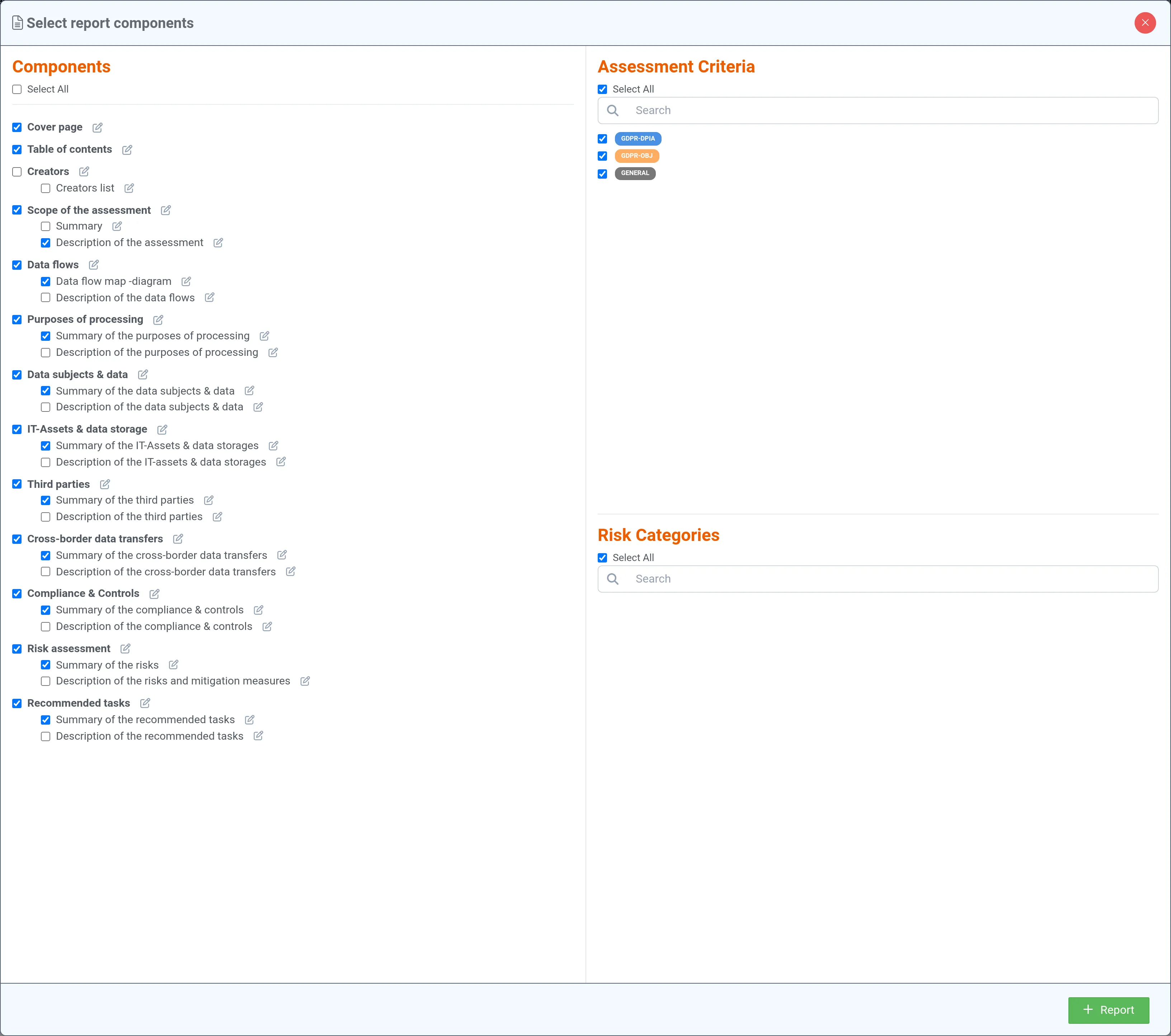
4. Click + Report.
5. Wait 5–15 seconds and refresh the browser. The report should appear in the list. Generate a new version of the DPIA report each time you want to confirm a new state of the assessment.