Objects
How object groups relate to one another
Section titled “How object groups relate to one another”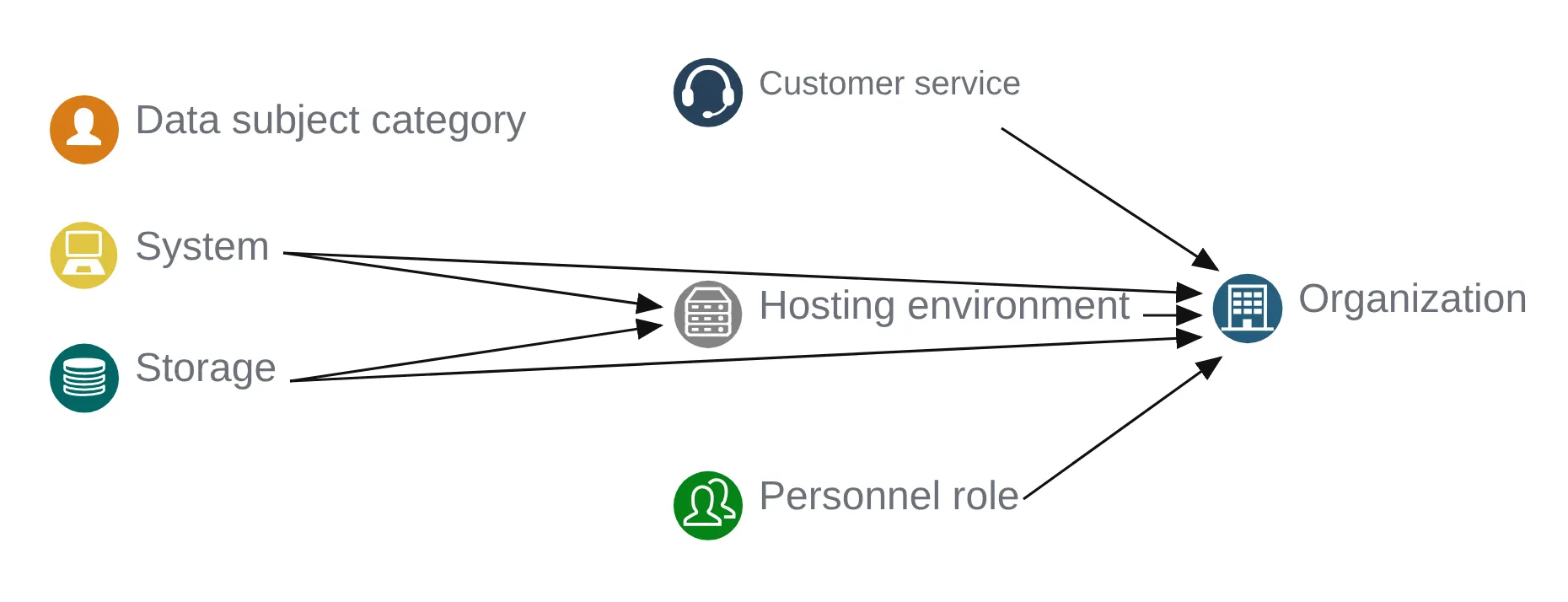
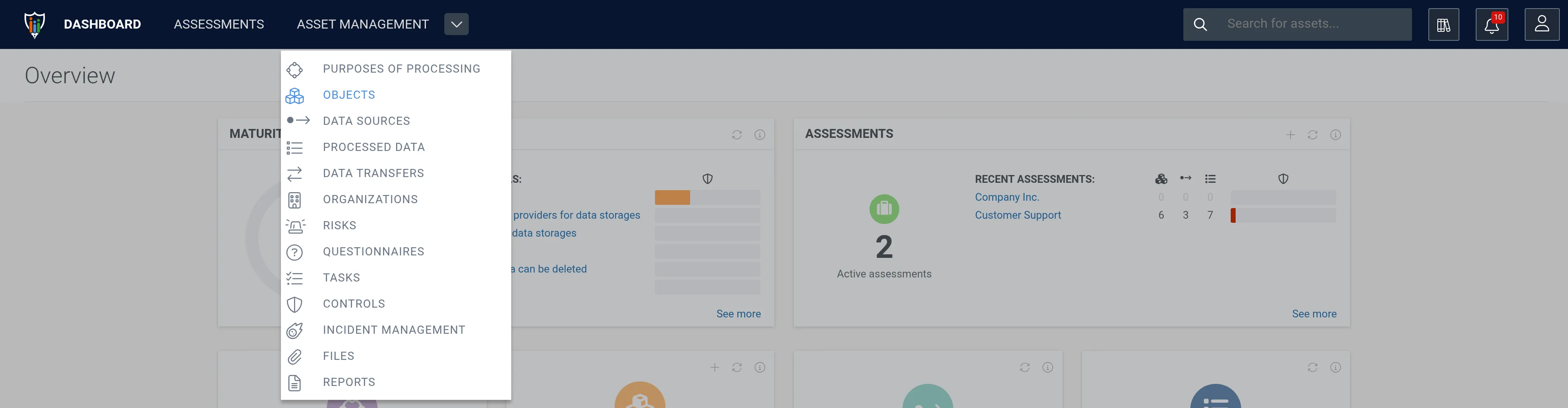
Where are they located?
Section titled “Where are they located?”1. Navigate to Asset Management and click Objects.
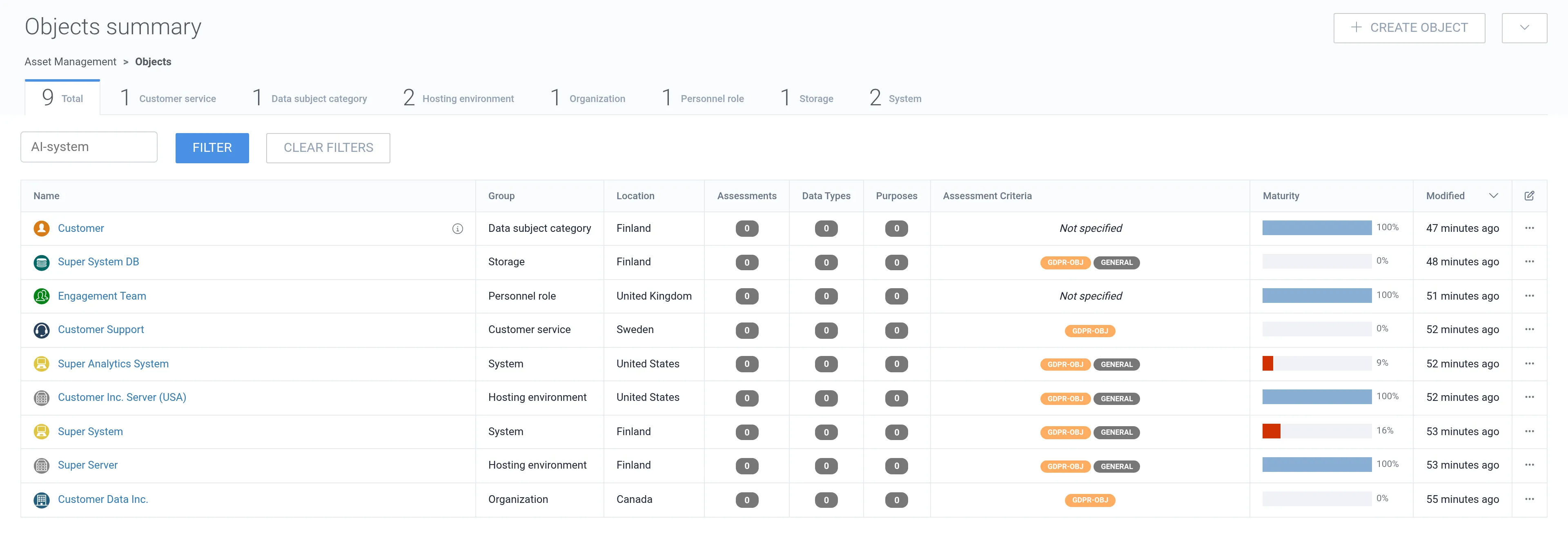
How to create
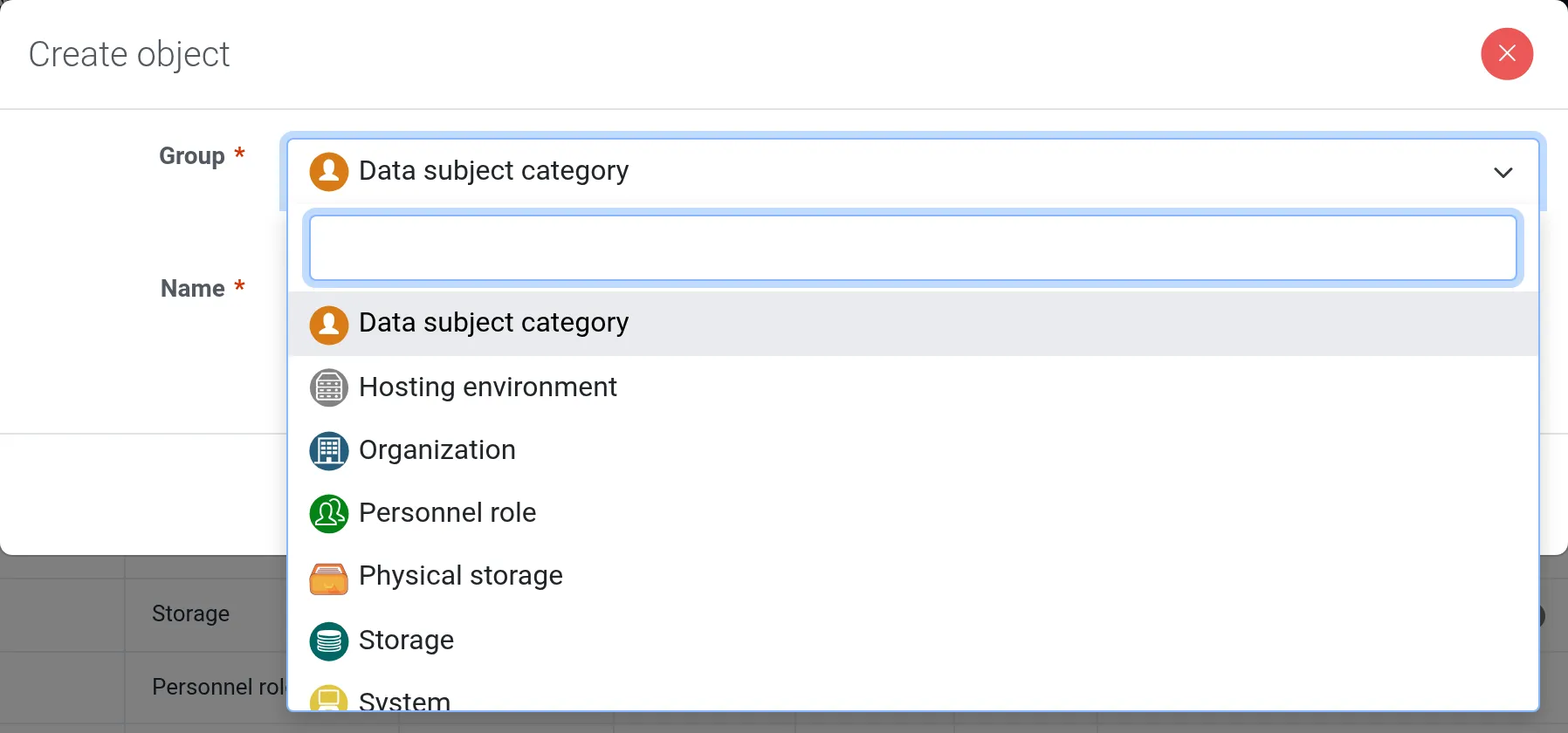
Section titled “How to create”1. In the objects summary list, click + Create object.
2. Select the Group, i.e. the type of the object.
3. Name the object.
4. Click Create.
How to edit
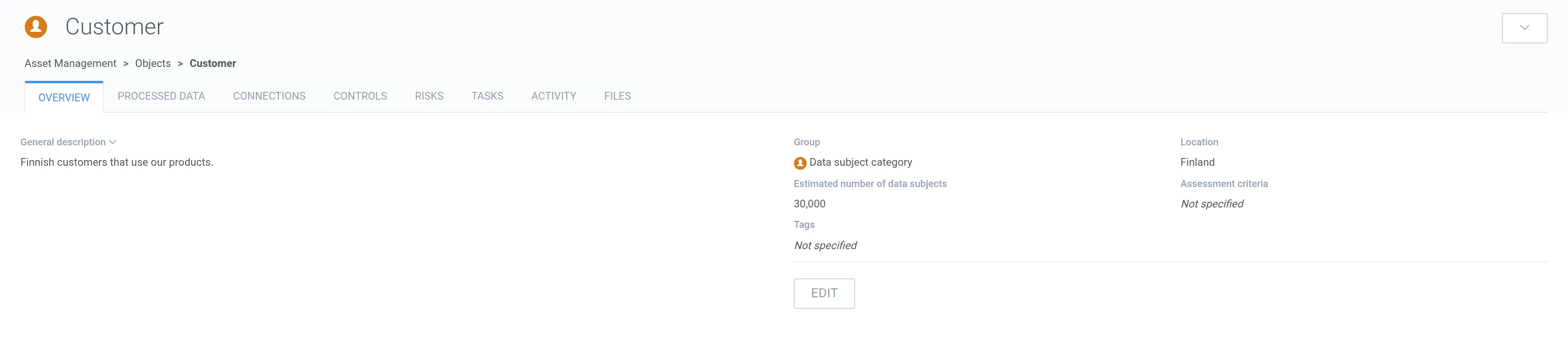
Section titled “How to edit”1. Open the object.
2. In the Overview tab, click Edit.
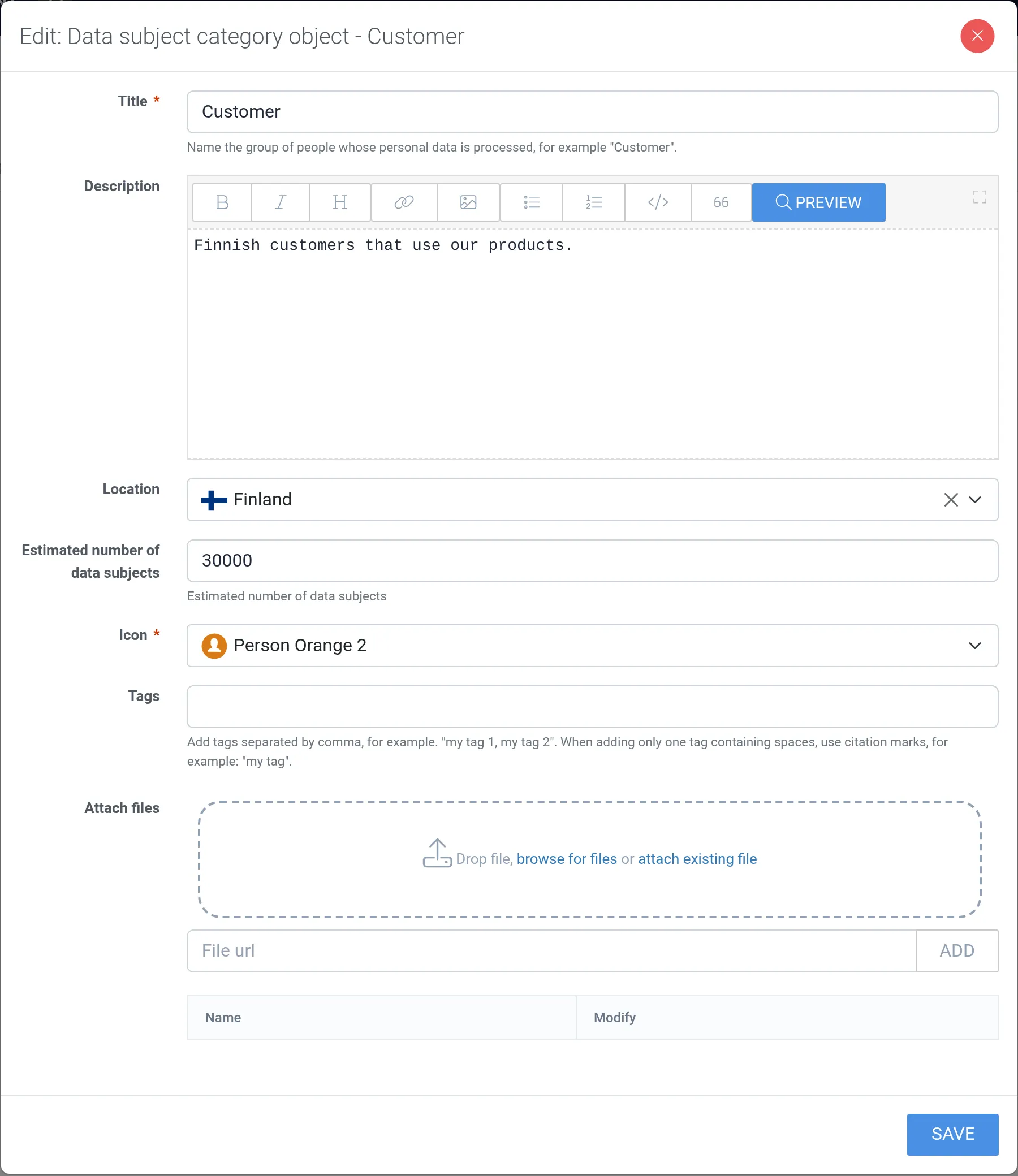
3. Make your changes and click Save.
How to delete
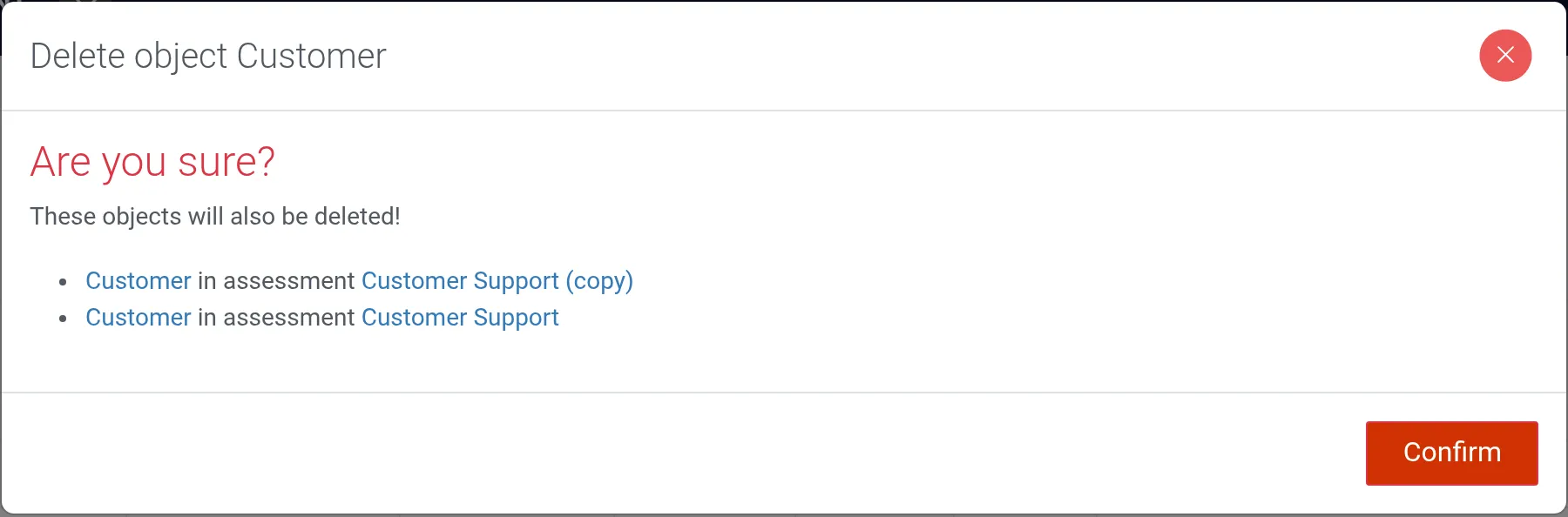
Section titled “How to delete”1. Open the object and click the drop-down menu (⌄) in the top-right corner.
2. Select Delete.
3. Click Confirm.