Objects
Where are the objects located?
Section titled “Where are the objects located?”1. Click Objects in the assessment’s navigation panel.
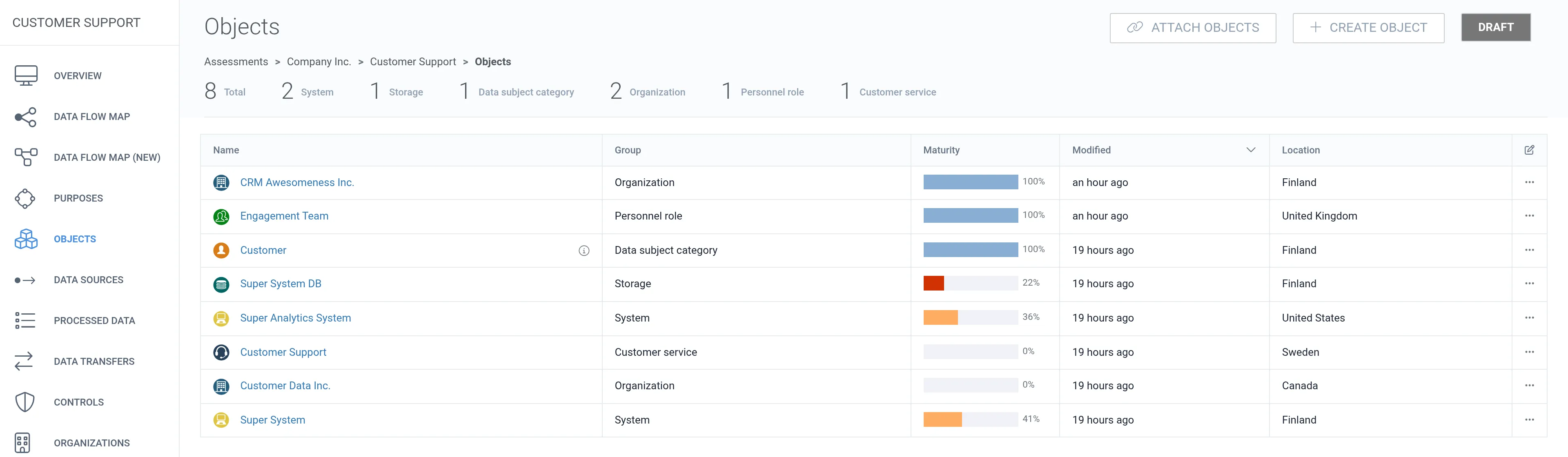
2. Click the name of the object to view detailed information about it.
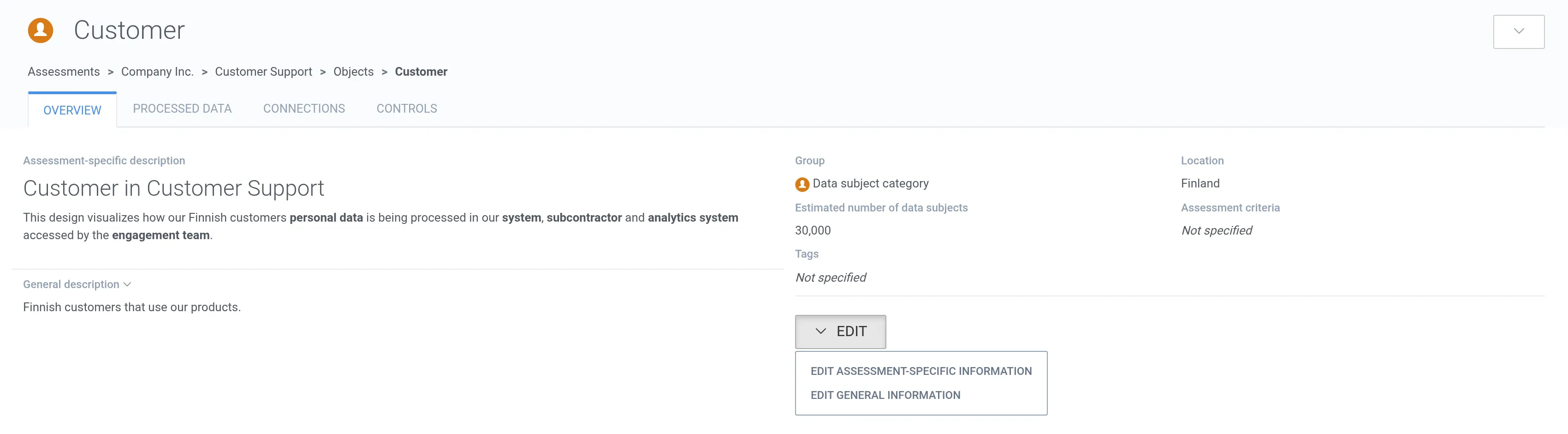
1. Click Objects in the assessment’s navigation panel.
2. Click the name of the object to view detailed information about it.