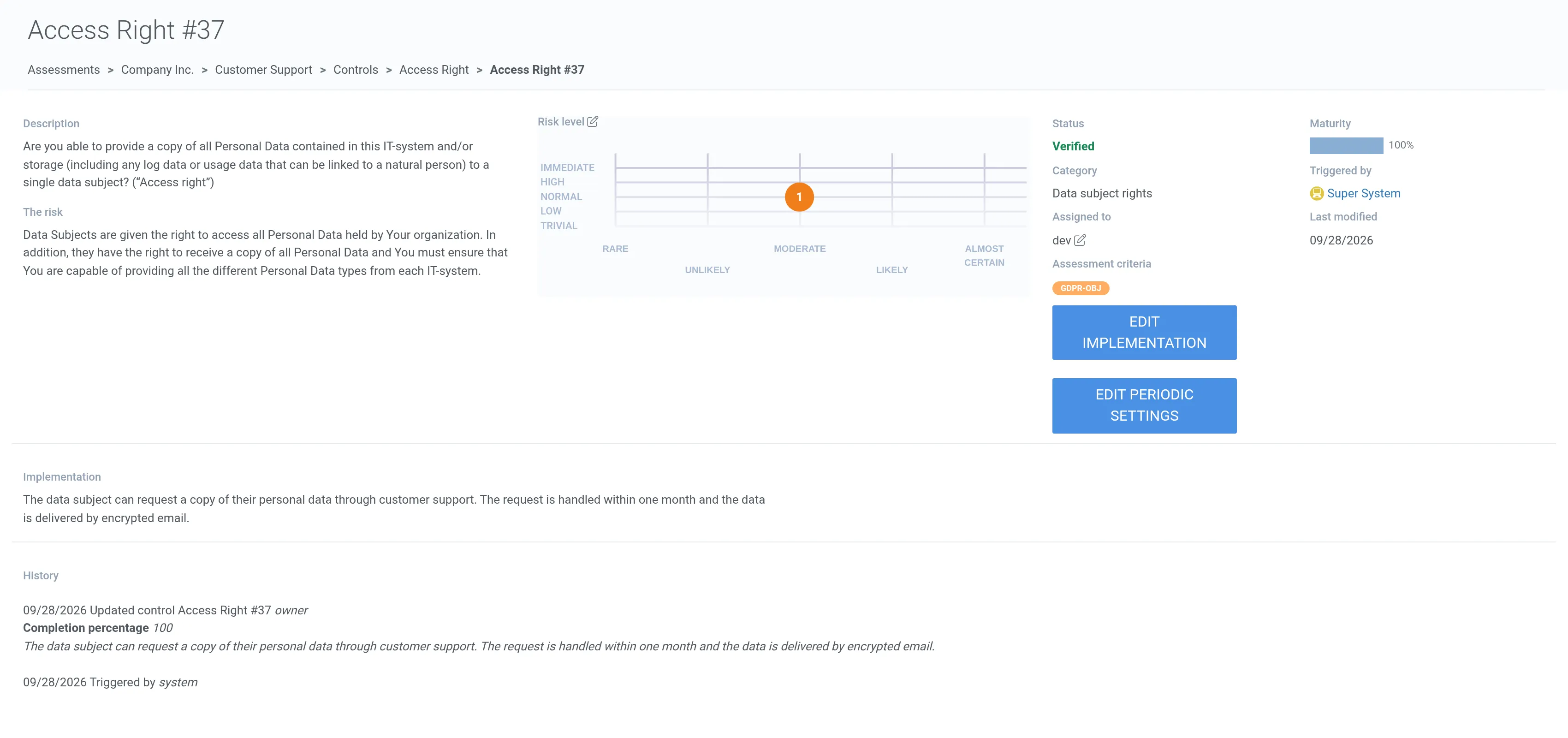
Controls
Controls are a set of requirements and rules that are triggered automatically in the created assessment. Together they form a list of tasks that increase the maturity level.
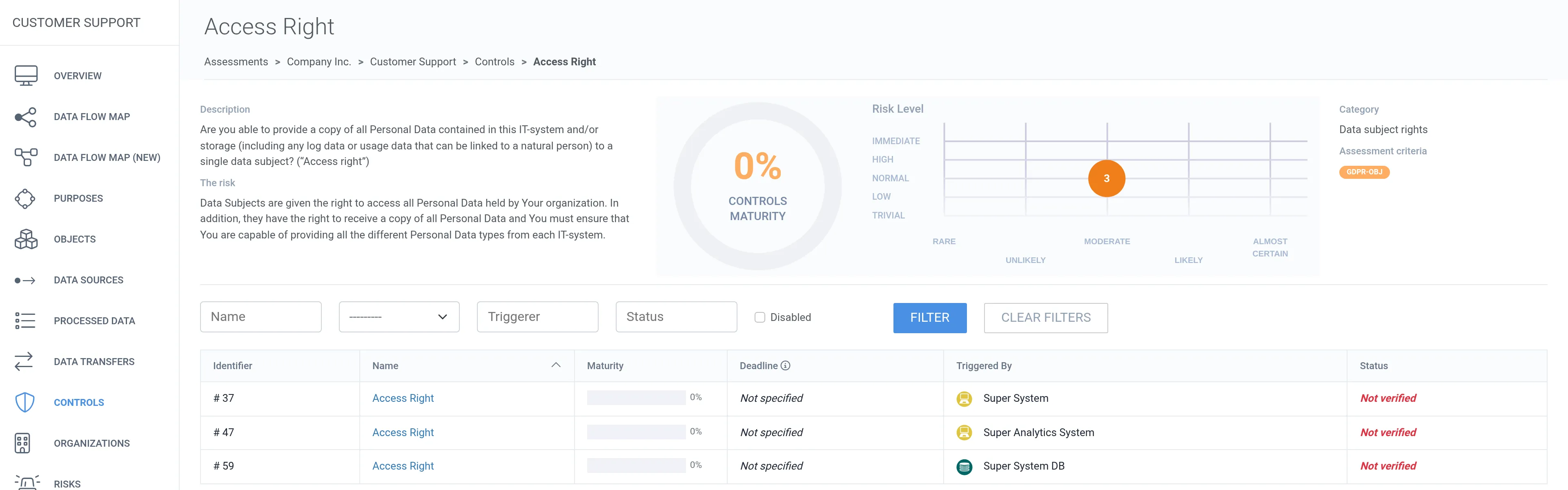
1. Navigate to the Controls tab.
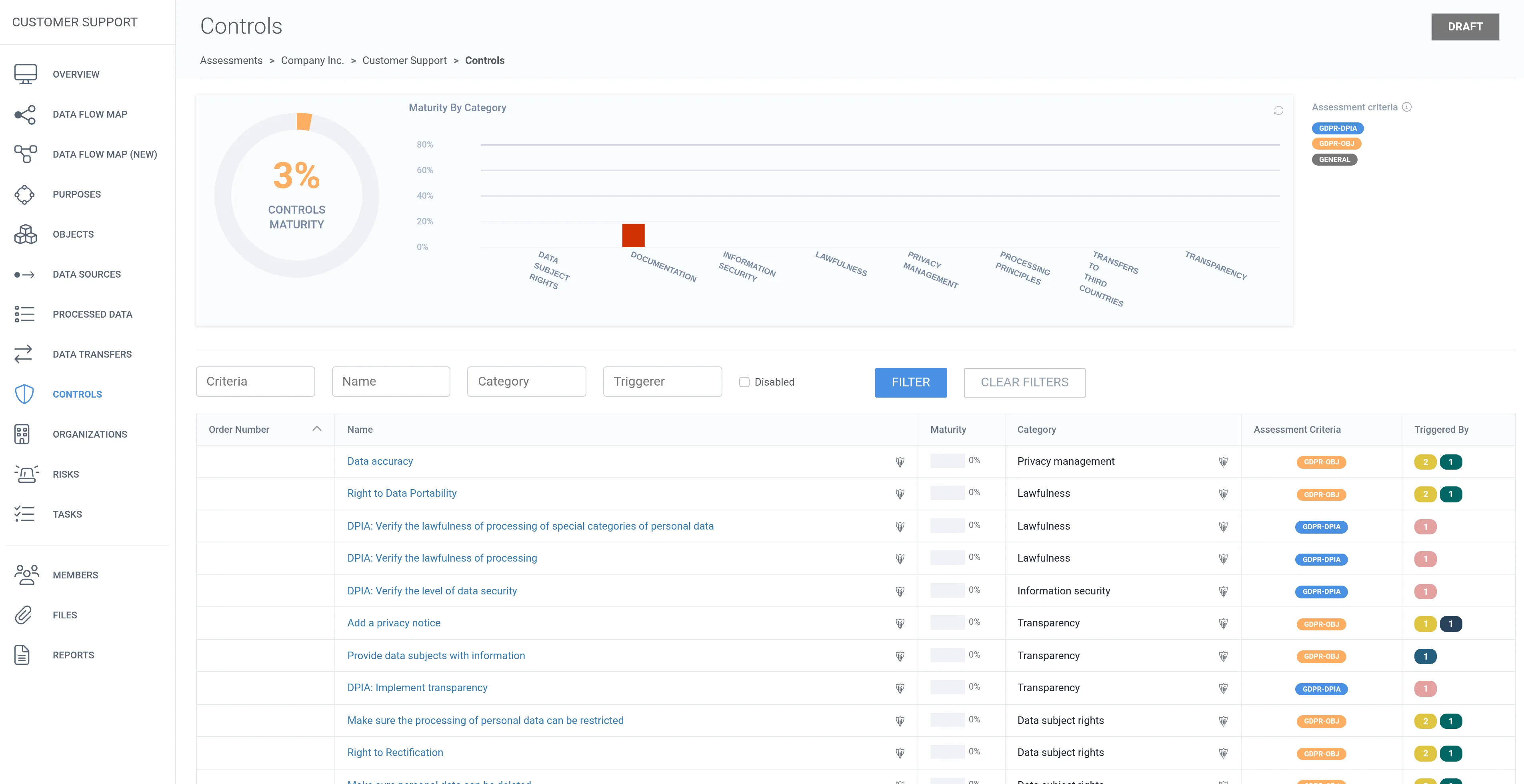
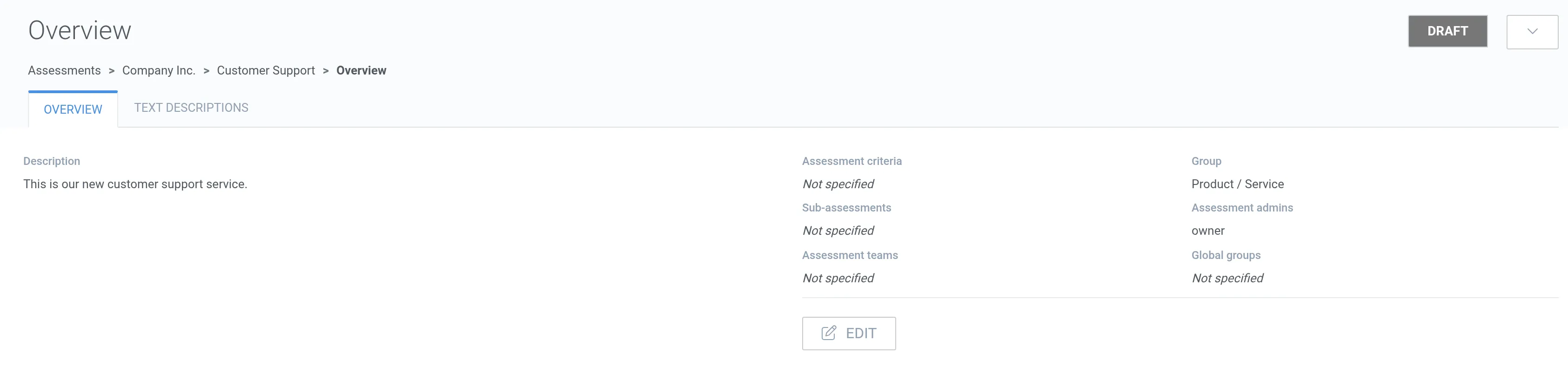
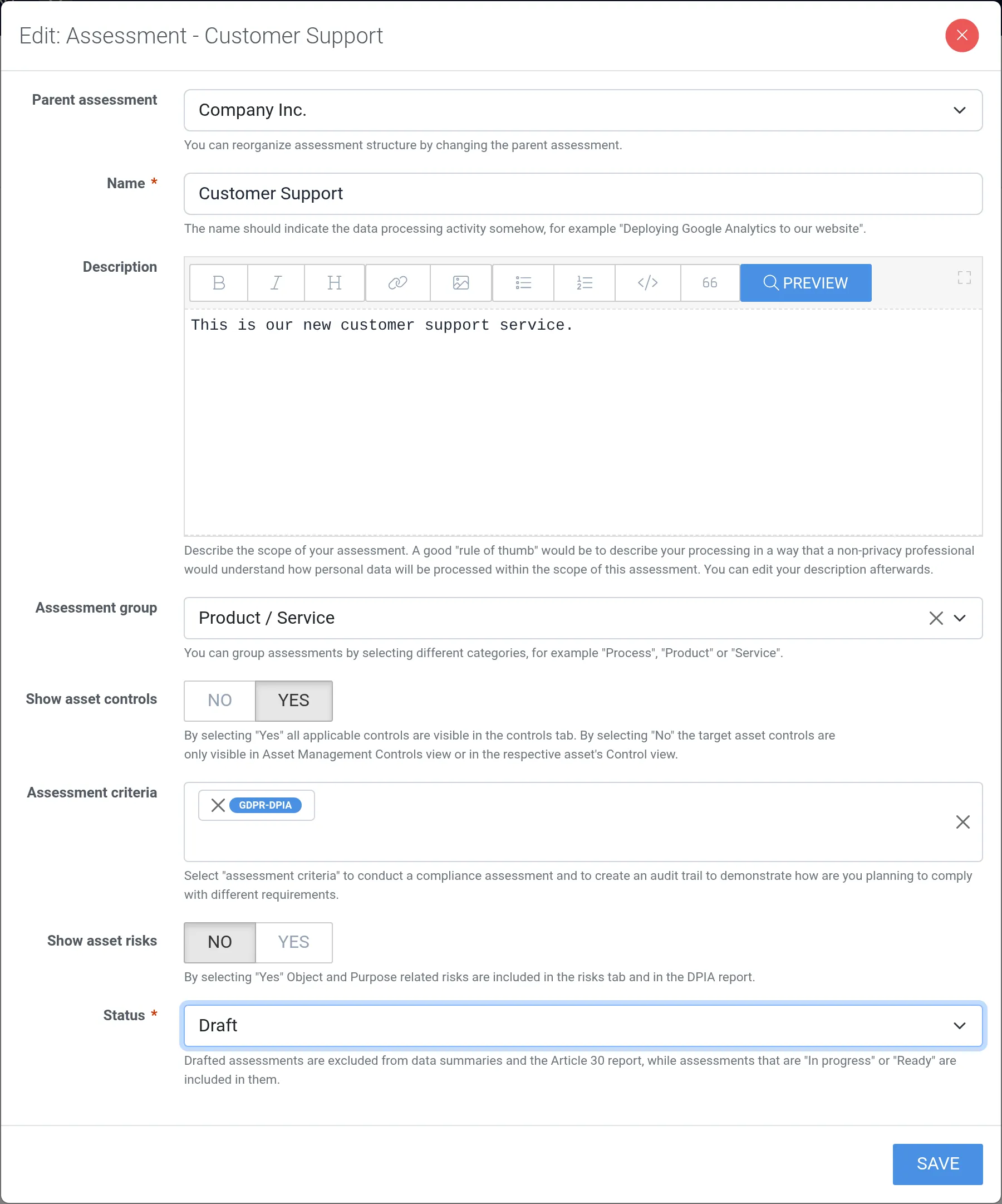
2. Click the control you want to edit.
3. Each control can apply to several targets. Click the name of the control instance you want to edit.
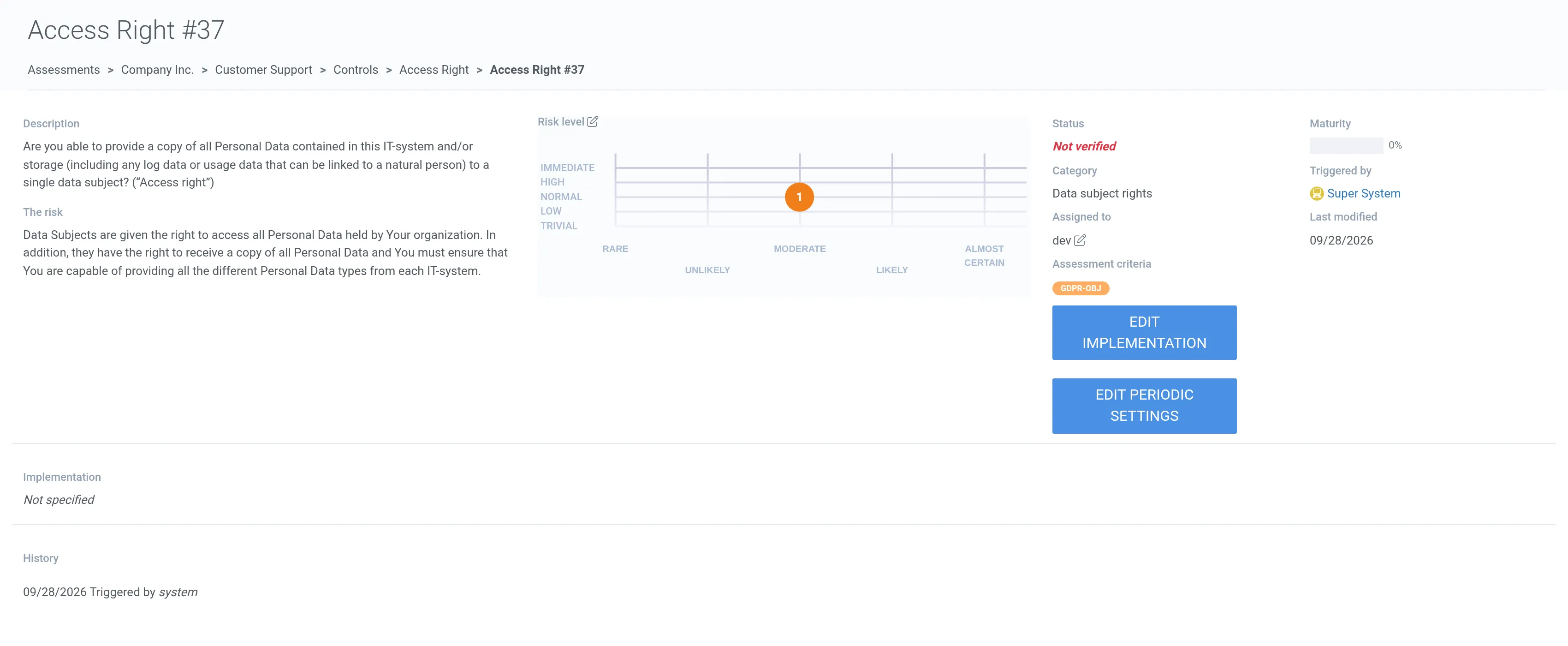
4. Click Edit implementation.
5. Describe how the control is implemented.
6. Set the Maturity (completion percentage) slider to reflect how completely the control has been implemented.
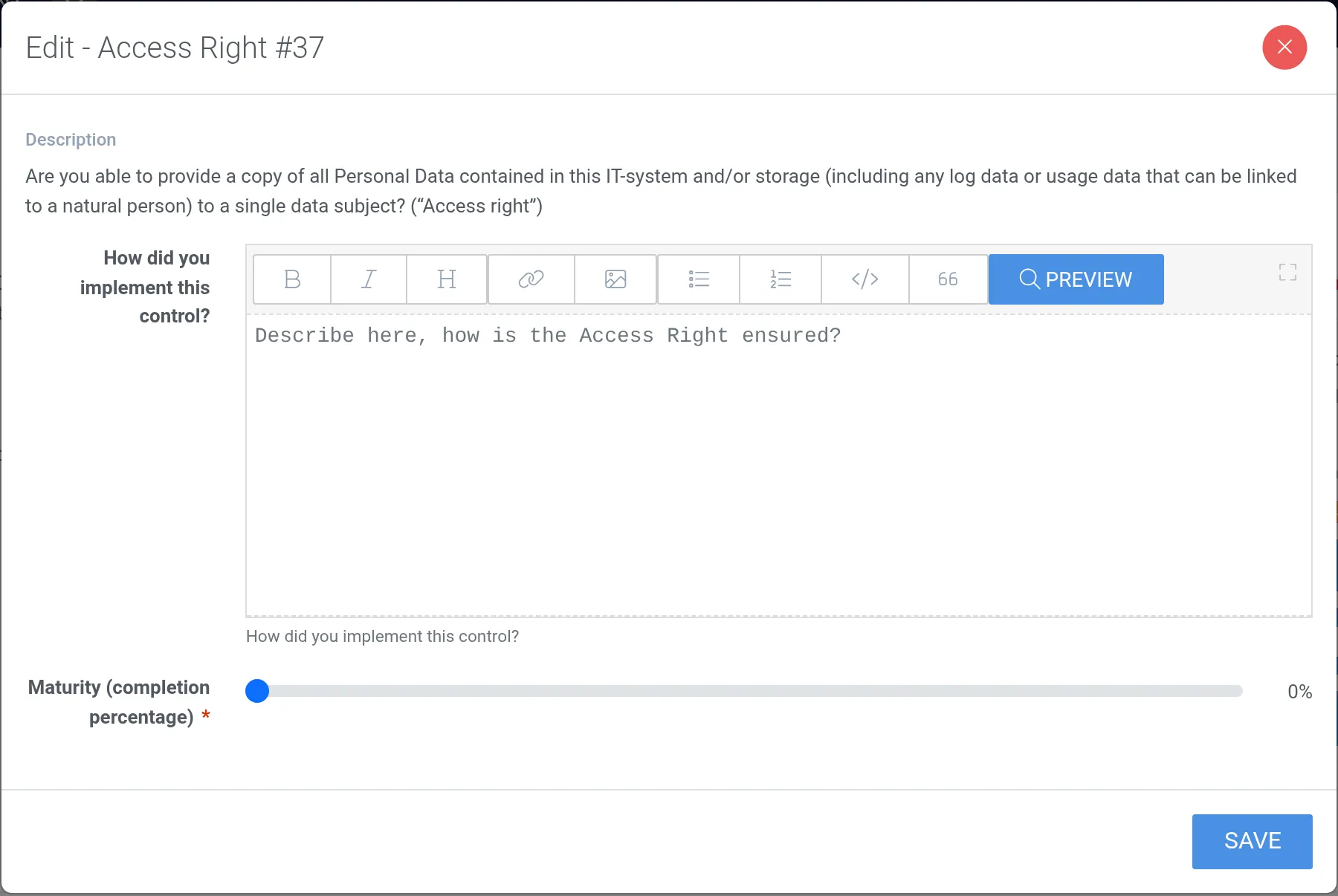
7. Click Save. The control’s maturity is added to the overall maturity level.
8. Once the implementation is described and the maturity is set to 100%, the status turns to Verified.