Admin
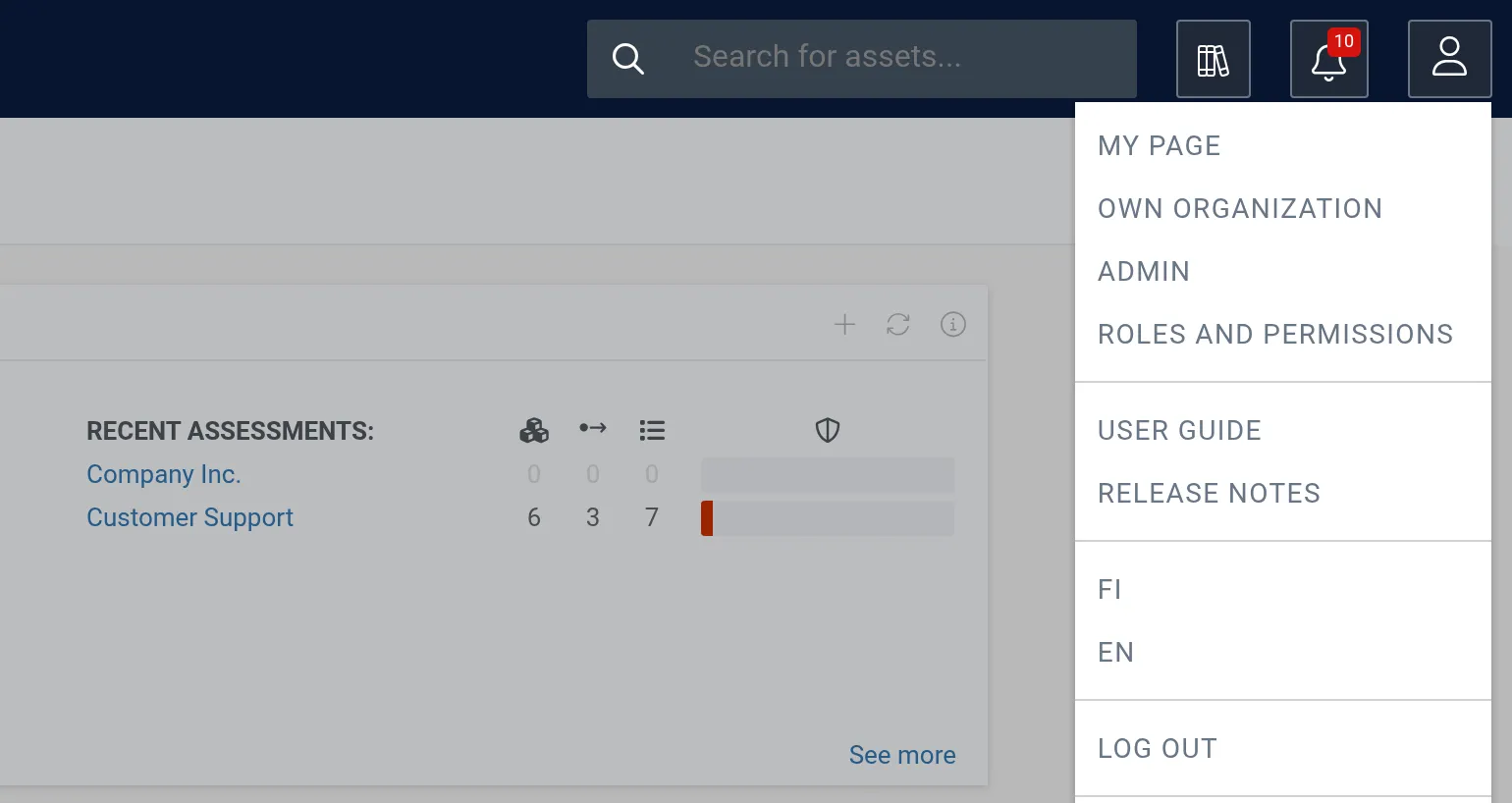
The admin tools let administrators manage who can access the software and what they can do. Most admin tools live under Roles and permissions.
Open the user menu (person icon) in the top-right corner of the navigation bar to reach them.
Sections
Section titled “Sections”- Invite User — send invitations and assign permissions to new users.
- User management — edit user details, deactivate, and delete users.
- Group permissions — create global groups and attach them to assessments.
- Responsible persons — create, invite, and delete responsible persons for assets.
- Incident management — document, archive, and delete incidents and data breaches.