Responsible persons
Responsible persons are the owners of different assets. A responsible person can be added to the following:
- System objects (internal responsible person)
- Storage objects (internal responsible person)
- Purposes of processing (internal responsible person)
- Assessment risks (owner)
Create persons
Section titled “Create persons”1. Open the user menu (person icon) in the top-right corner and click Roles and permissions.
2. Go to the Responsible persons tab.

3. Click + Create person.
4. Fill in the username, first name, last name, and select the organization the person is part of.
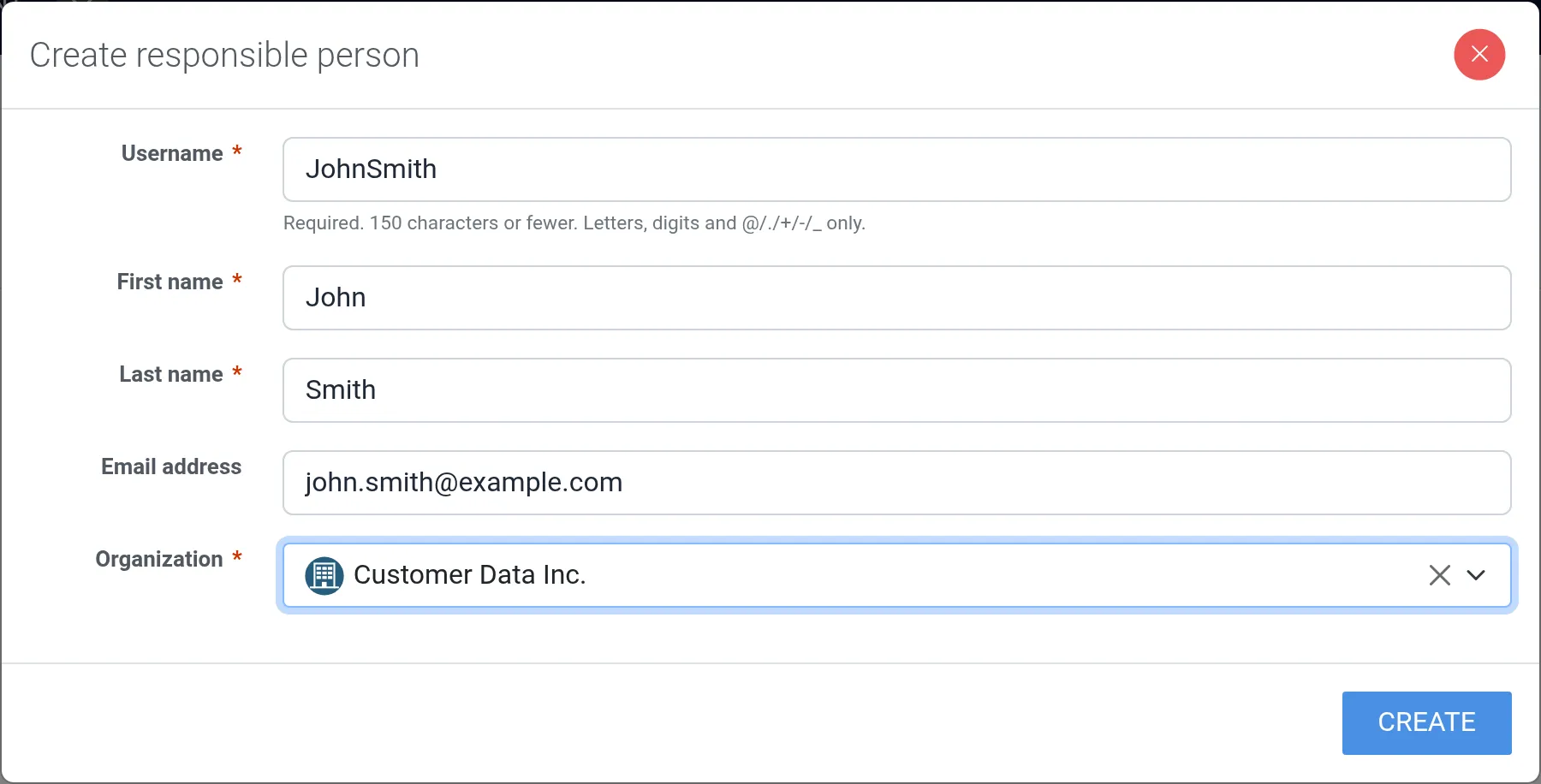
5. Click Create.

Assign a responsible person to an asset
Section titled “Assign a responsible person to an asset”1. Navigate into one of the assets a person can be added to (a system object, storage object, purpose of processing, or assessment risk) and edit it.
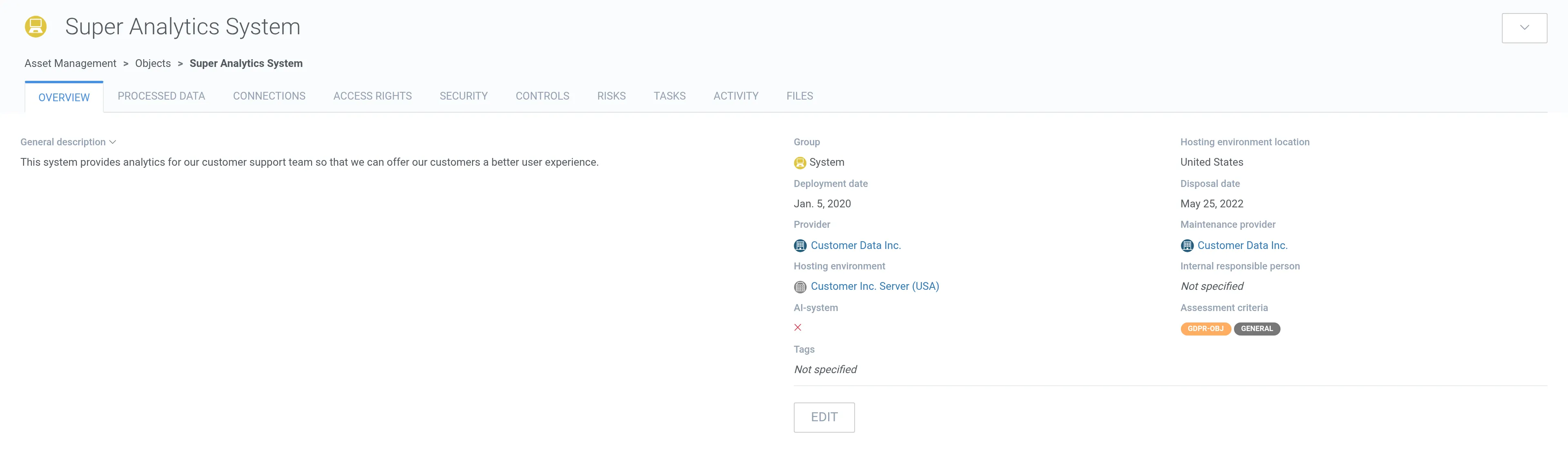
2. Select the person as the internal responsible person.
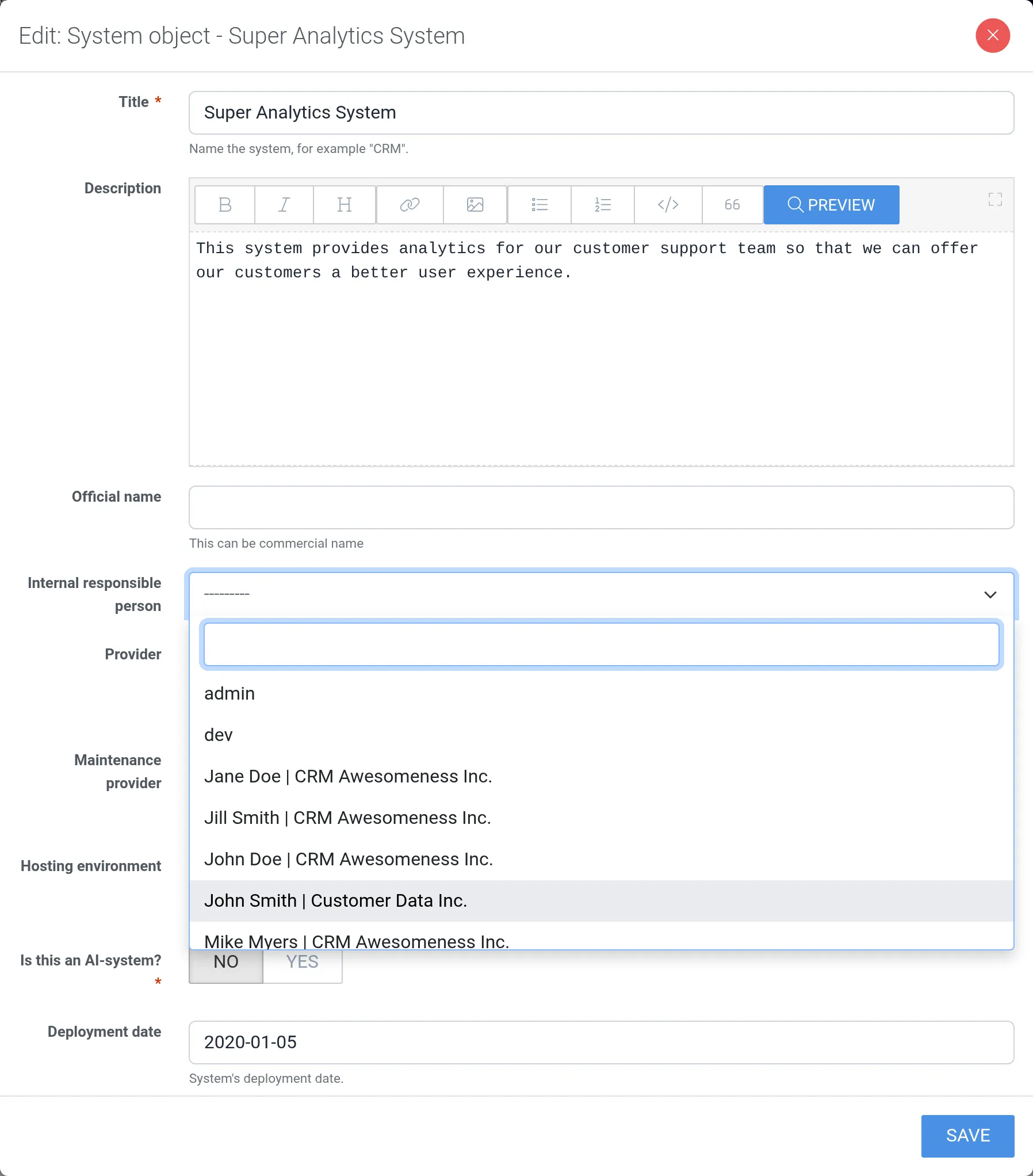
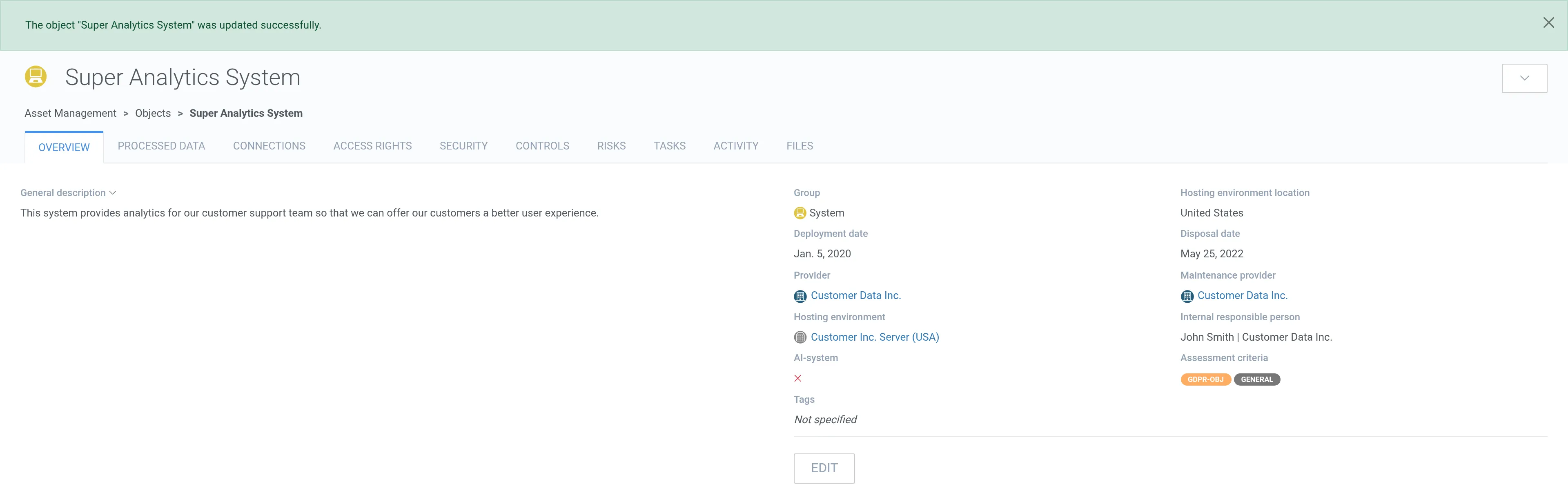
3. Click Save.
Inviting persons
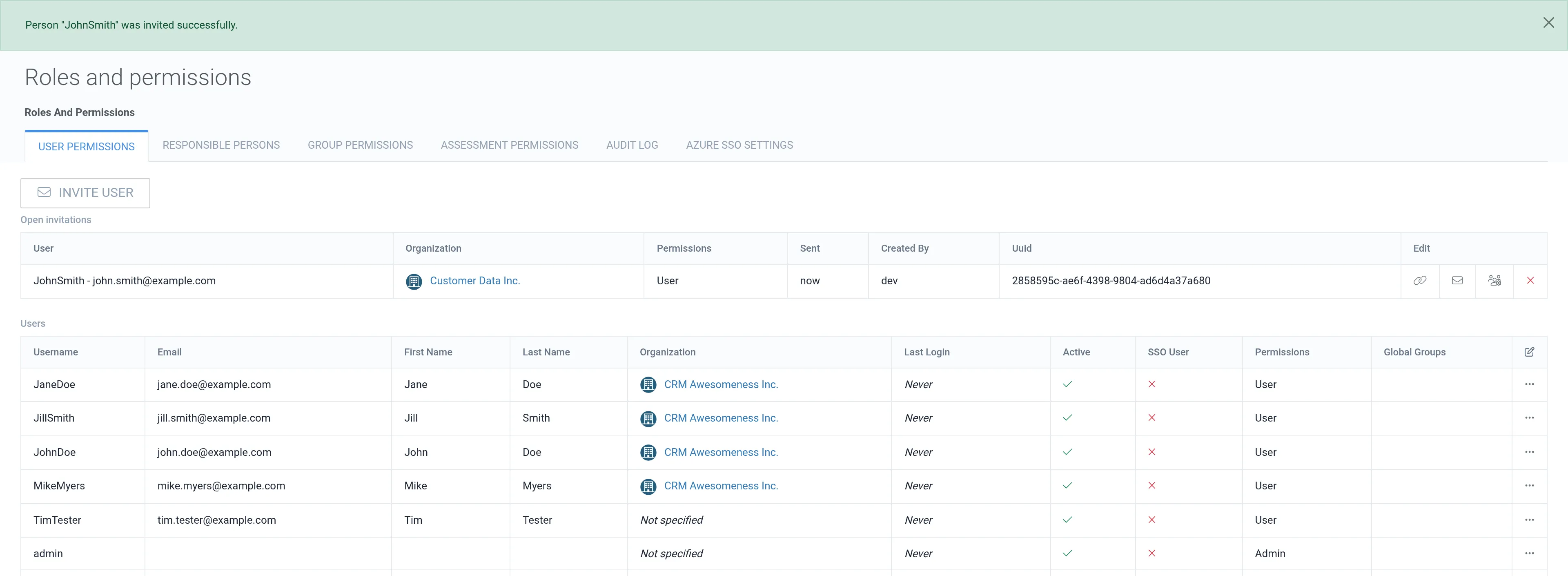
Section titled “Inviting persons”A person with an email address can be invited to become a software user. The email address can be added or changed by editing the person.
1. Open the row actions menu (⋯) of the person and select Invite.

2. Select permissions.
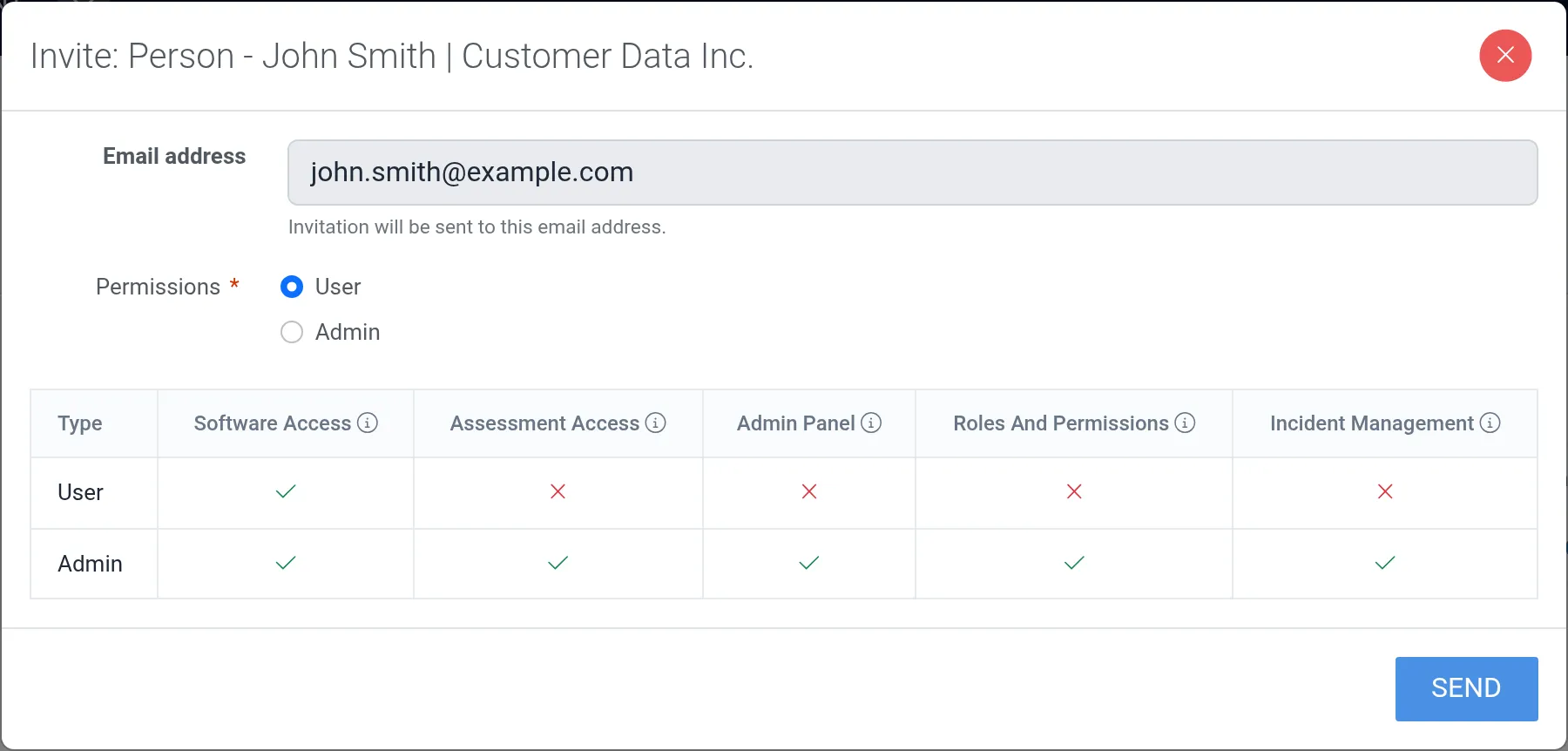
3. Click Send.
Deleting persons
Section titled “Deleting persons”1. Open the row actions menu (⋯) of the person and select Delete.

2. Confirm the deletion.
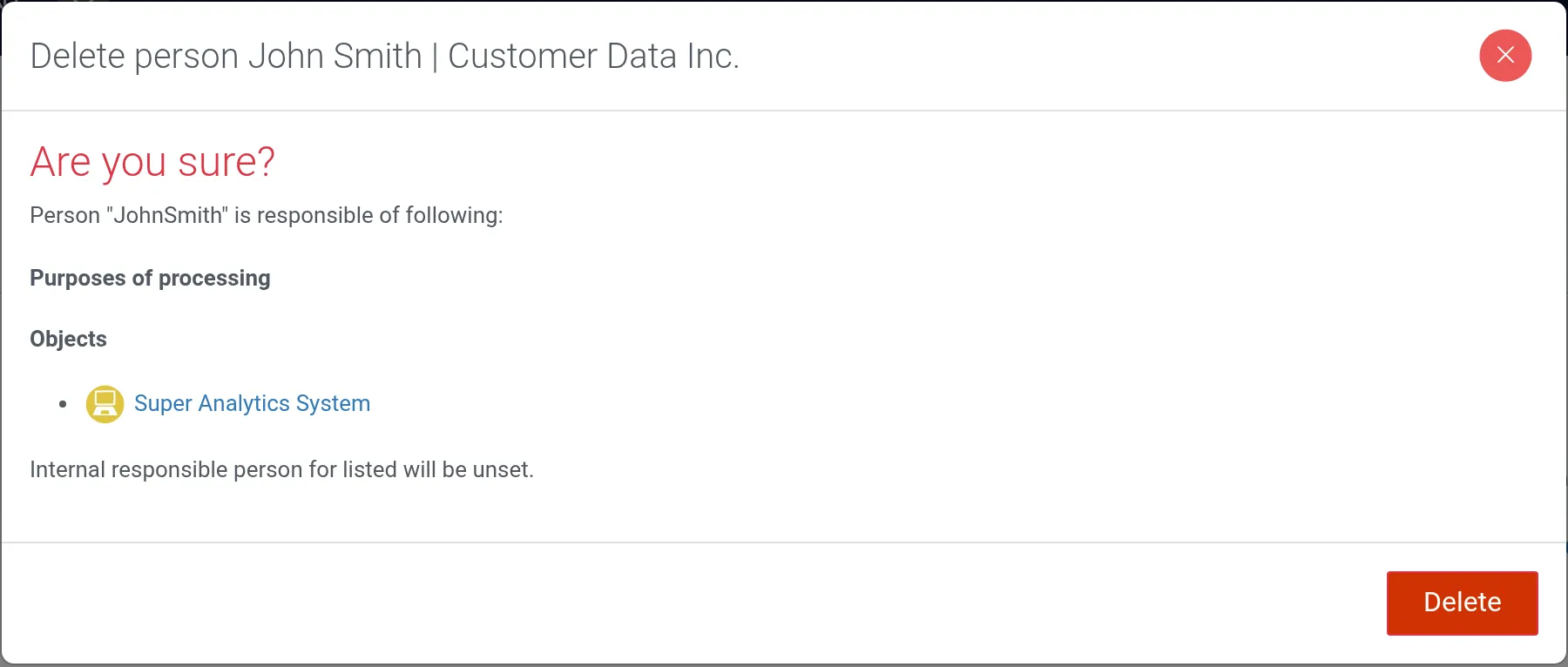
The person is deleted and is no longer visible in the persons list.