Overview
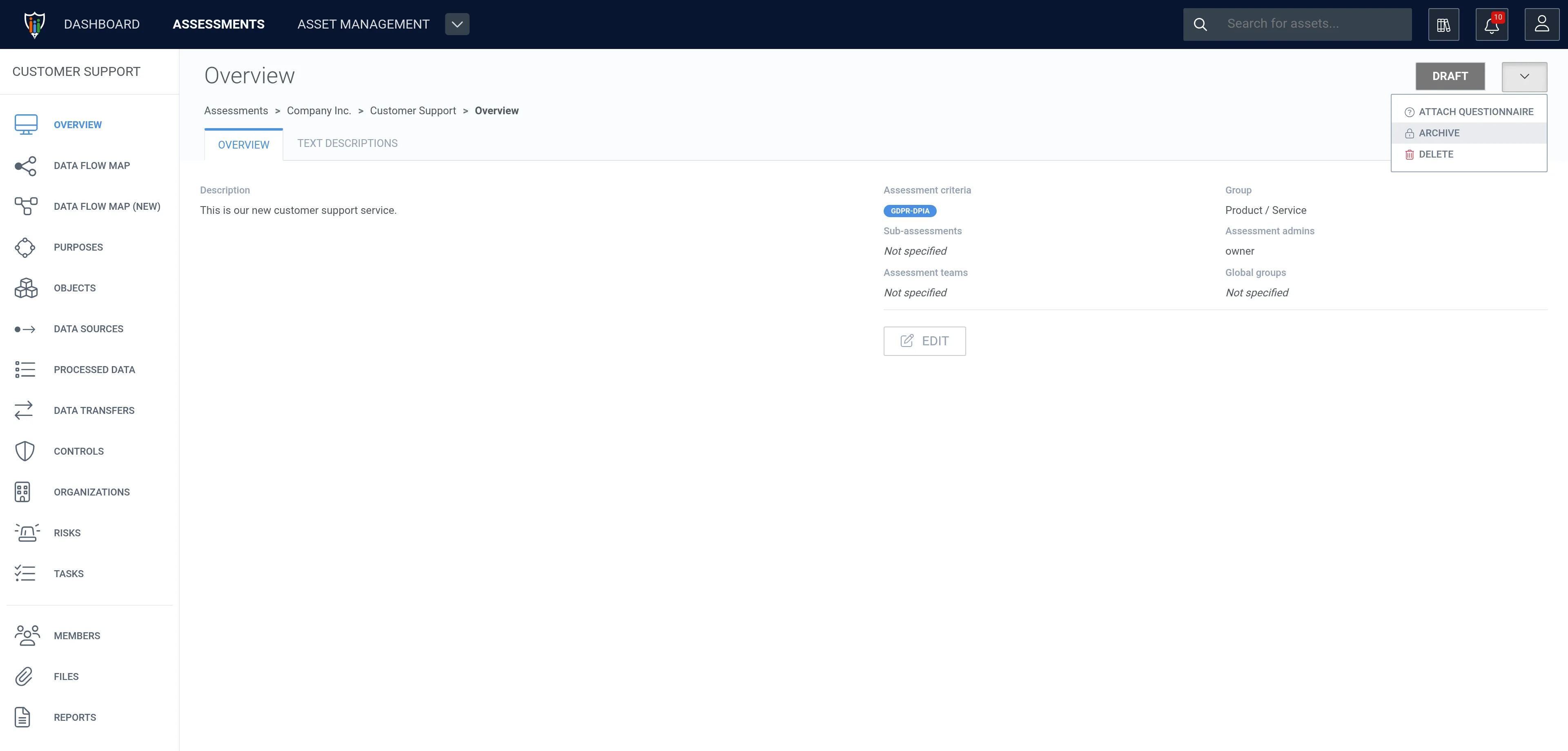
On the assessment’s overview you can Edit the information of the assessment (name, description, parent assessment, group, assessment criteria and status). From the drop-down menu (⌄) next to the status button, you can attach a questionnaire, archive, or delete the assessment.
The Text descriptions tab contains the assessment’s free-text descriptions.